 Myko
MykoBuild with AI. Keep your hands on the wheel.
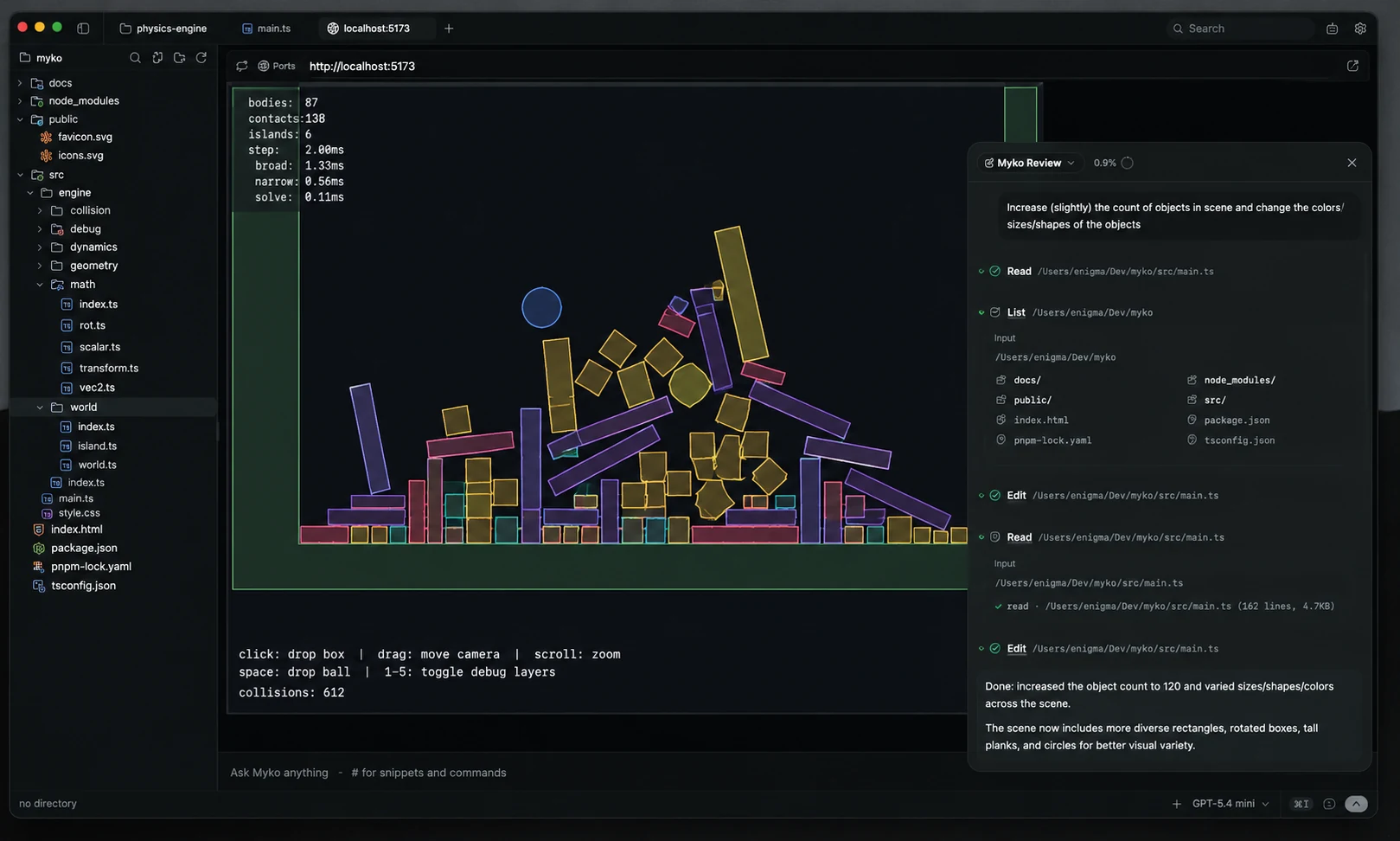
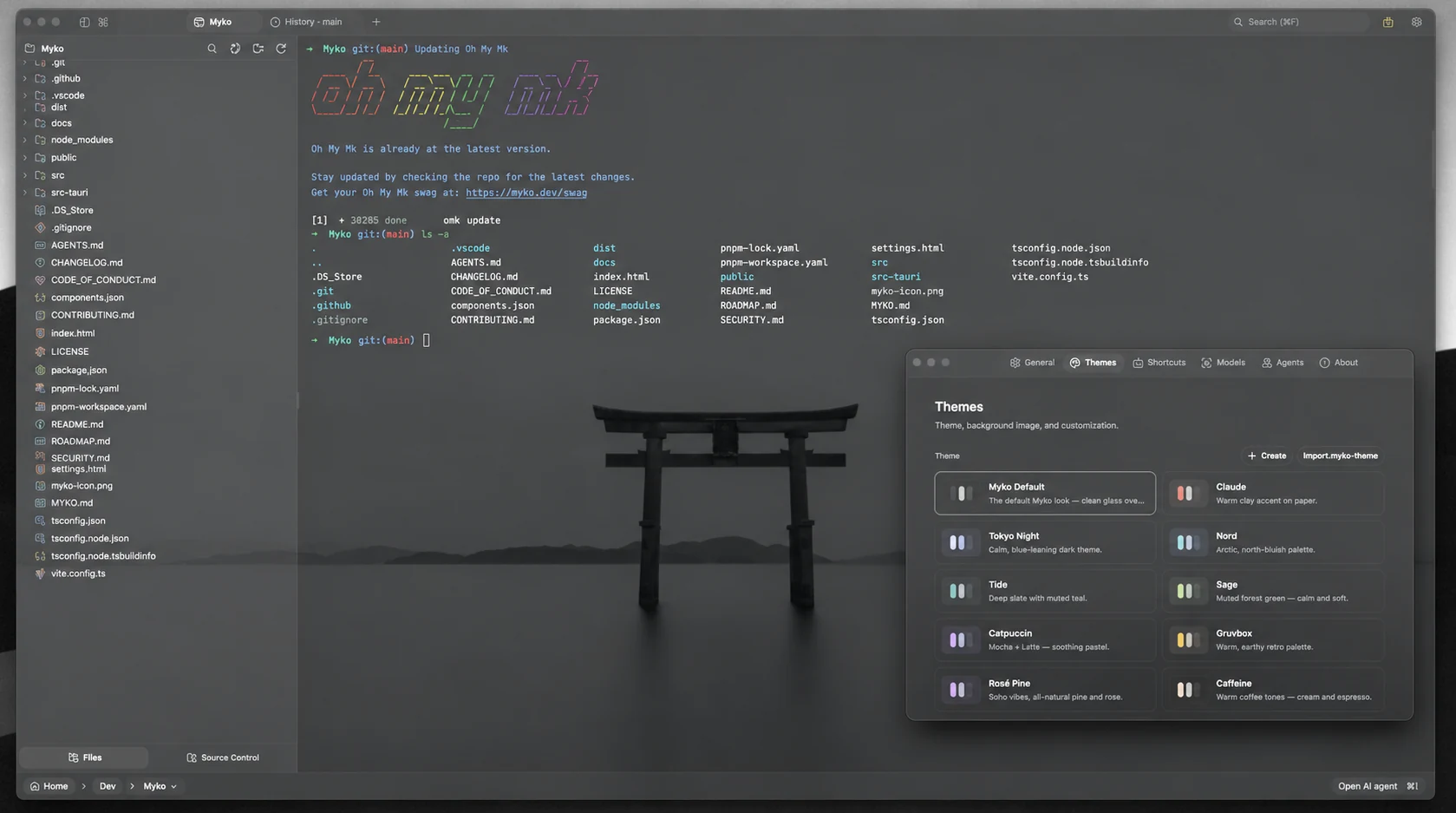
Myko puts a real terminal, a code editor, Git and live web preview in one desktop workspace — with agents that propose every edit as a diff and can ask before they run commands.
No account required. No application telemetry.
Works with OpenAI, Anthropic, Google Gemini, Groq, xAI, Cerebras, OpenRouter, DeepSeek, Mistral, LM Studio, MLX and Ollama.
One loop, three steps.
Myko is built around a short, reviewable loop instead of a chat window that edits files behind your back.
Describe the task
Write in the composer. Reference files with @path, reuse prompts with #handle, and keep project rules in a MYKO.md file the agent can read.
Review the diff
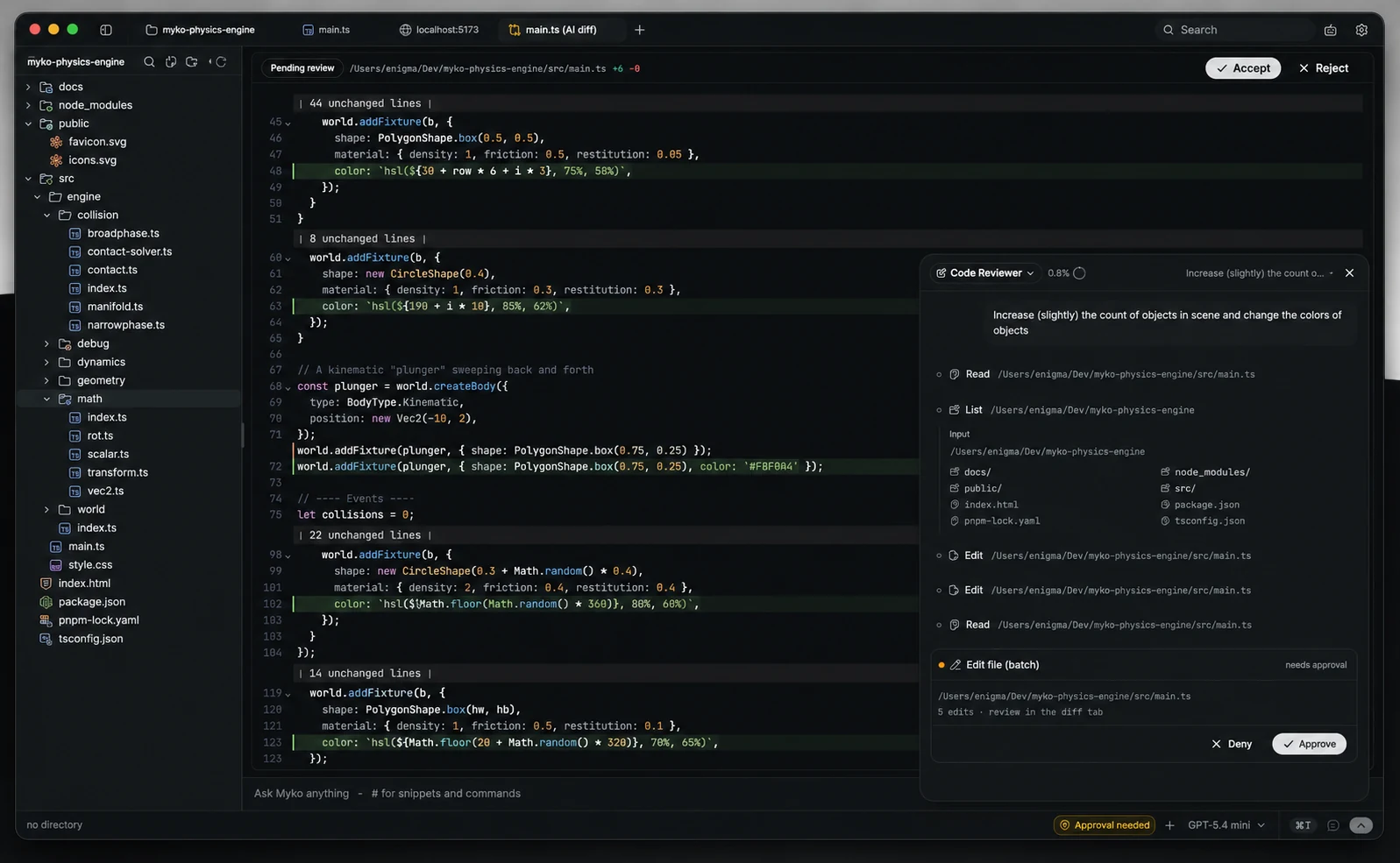
Proposed edits open as diffs next to your code. Accept, reject or keep editing before anything is applied.
Approve and run
Shell commands can require your approval. Run, test and preview in the same window, with output you can attach back to the agent.
The tools you already use, in one window.
Agents that propose. You decide.
Describe a task and Myko’s agent reads your project, plans the work and edits files. Every change arrives as a diff you can accept, reject or keep editing.
- Plan mode and todo tracking for multi-step work
- Custom agents and sub-agents
- File read, write, multi-file edit, grep and glob tools
- Shell commands can require your approval before they run
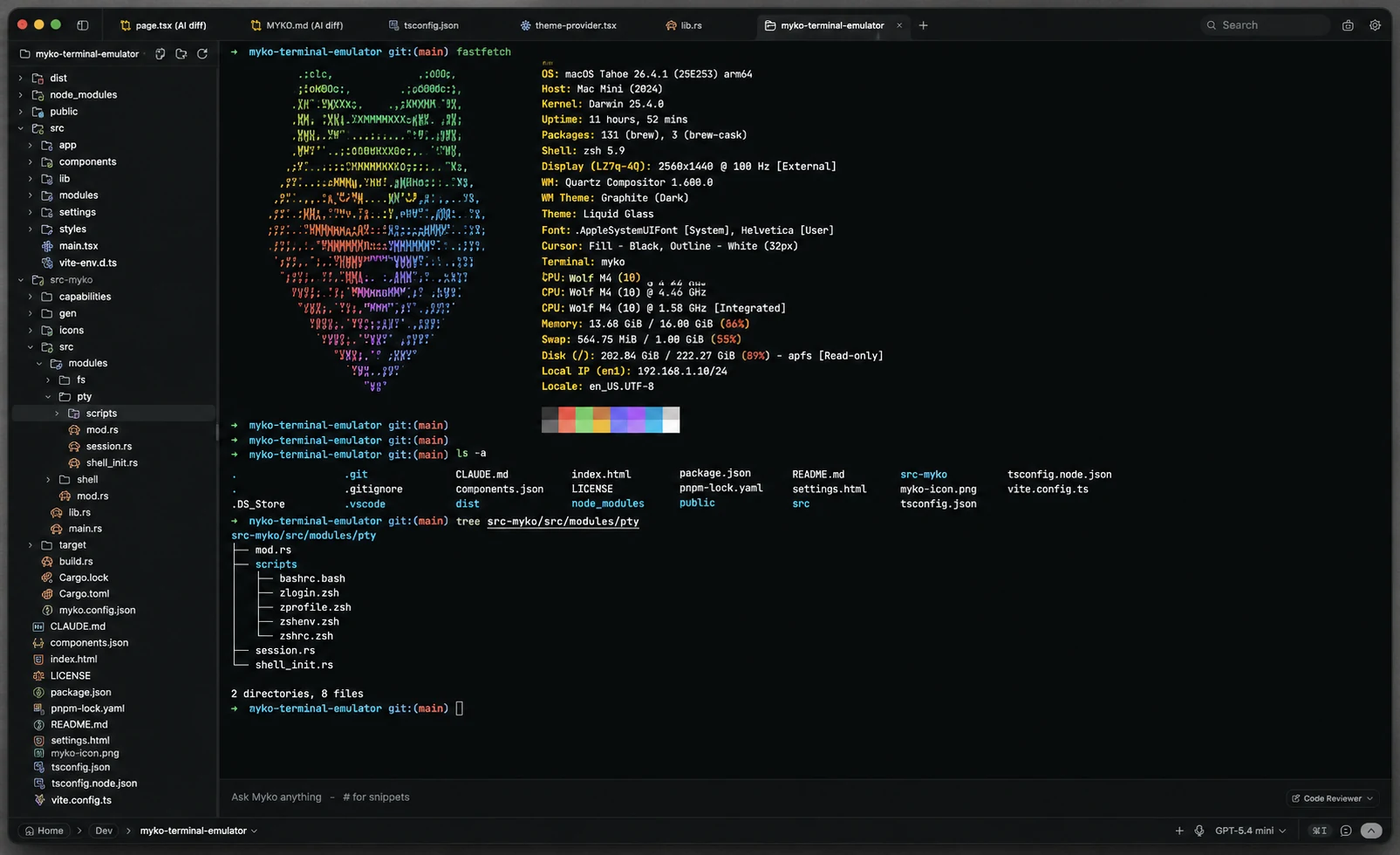
A real terminal, not a console emulation.
Myko connects to your operating system’s shells through a native PTY, so your tools, prompts and scripts behave the way they do everywhere else.
- Tabs, horizontal and vertical splits, inline search
- WebGL rendering with true-color output
- Background processes keep streaming
- PowerShell, pwsh, Command Prompt, Bash, Zsh, Fish and WSL
Edit without leaving the workspace.
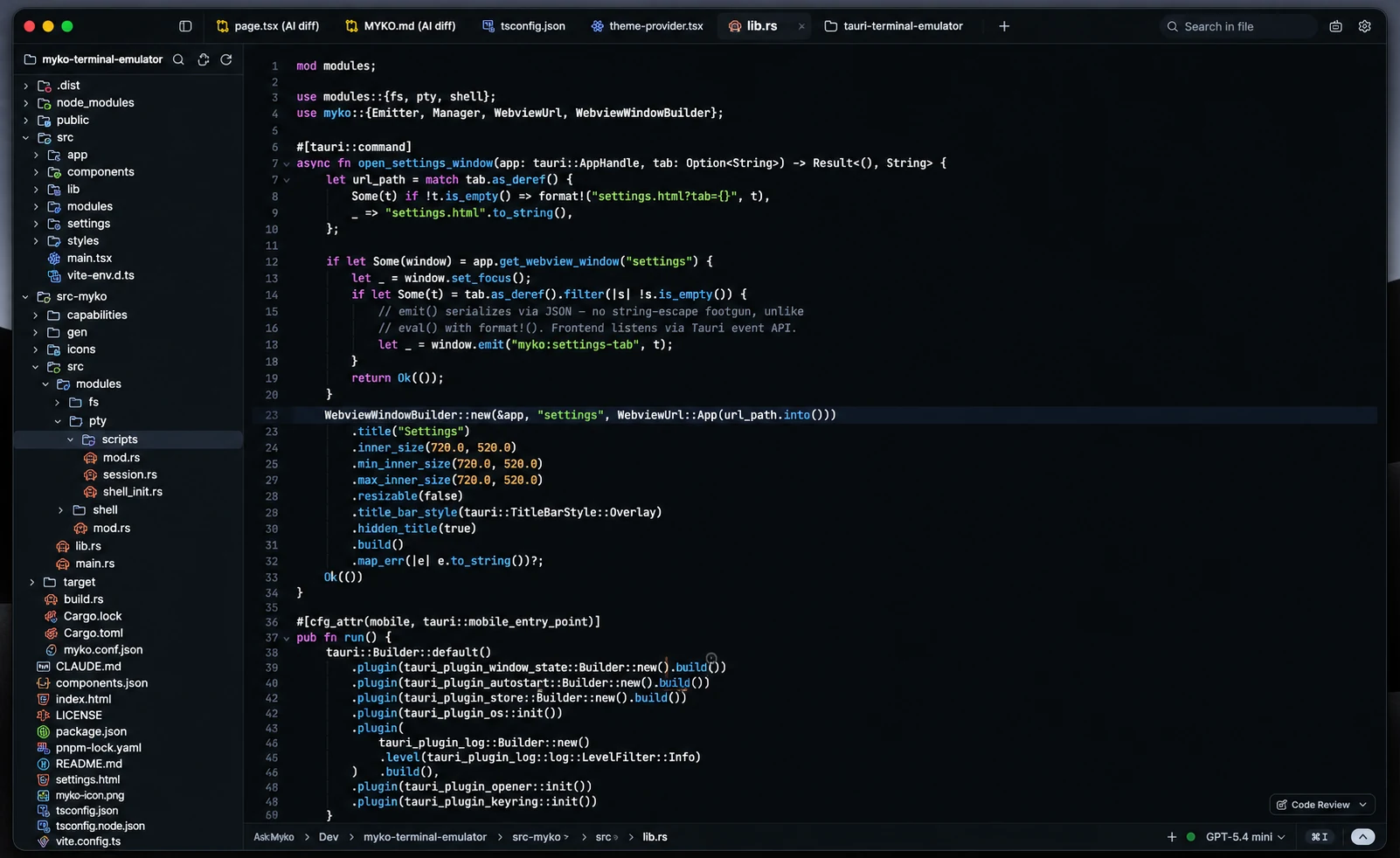
A CodeMirror 6 editor sits next to the terminal and the agent, so quick fixes and reviews stay in one place.
- Syntax highlighting and diagnostics
- Vim mode and AI autocomplete
- Unsaved-change protection and multiple tabs
- Editor themes independent of the app theme
Git you can read at a glance.
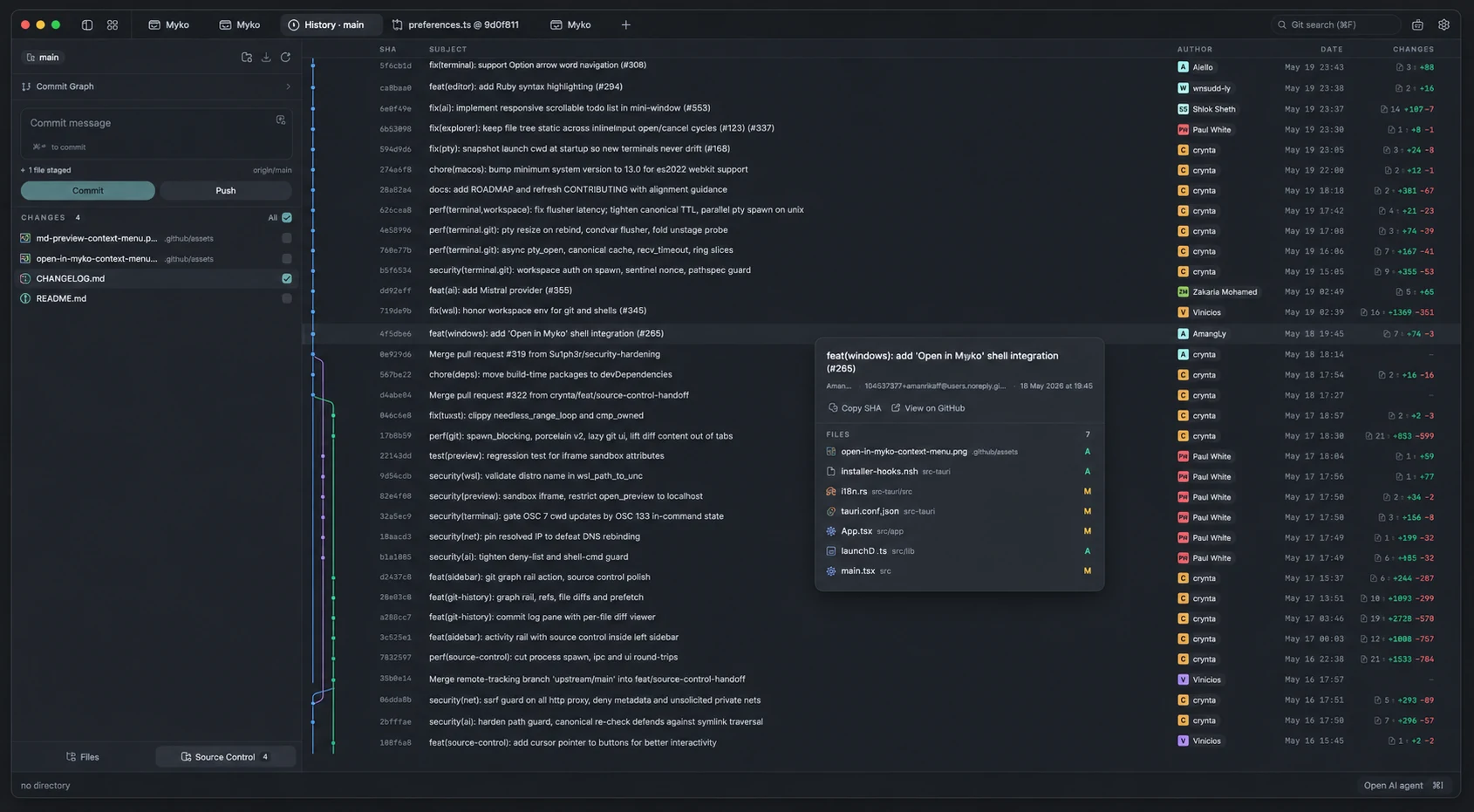
Stage and commit from the sidebar, then explore history through a commit graph with merge lanes and per-commit file lists.
- Stage and unstage whole files or individual hunks
- Push with upstream awareness
- Search and filter commit history
- Open a commit on your configured remote
See the result next to the code.
Myko detects local development servers and opens them in a preview tab, so you can run, look and adjust without switching windows.
- Local dev-server detection
- Preview local or external URLs
- Works alongside the agent review panel
Make the workspace yours.
Pick a built-in theme or build your own, then add a background image with adjustable opacity and blur.
- Built-in and custom application themes
- Import and export themes
- Independent editor themes and custom shortcuts
- Persistent window and panel layout
You choose the provider, endpoint and model.
Use a hosted provider with your own API key, or keep requests on your machine with a local runtime.
Beyond the editor and terminal.
Task runs
A guided flow of plan, execute, test, review and report. “Verified” requires a real Git change, passing checks on the final tree and your approval of the diff.
Database clients
SQLite, PostgreSQL and MySQL clients with paginated results and cancellable queries. Read-only by default; writes need explicit confirmation.
Debugging
Python debugging with breakpoints, stepping, call stack and variables. Python is the only supported language today.
File explorer
Directory tree, fuzzy file search, inline rename and file watching. Attach files, editor selections or terminal output to the agent.
Voice input
Dictate prompts where your system supports it.
Snippets and commands
Reusable prompt snippets and slash commands, a keystroke away.
Your keys. Your machine.
Keys in the OS credential store
Provider keys use macOS Keychain or Windows Credential Manager, and the Secret Service on Linux. They are not kept in localStorage or project files.
No account
You don’t create a Myko account to use the app.
No application telemetry
AI requests go to the provider or local endpoint you configure.
Read the security details, including Linux fallback behaviour →
Build without leaving your flow.
Installers for Windows and Linux. macOS is not available yet.